

Statamic
Visual-first Laravel CMS with REST and GraphQL headless mode.
Overview
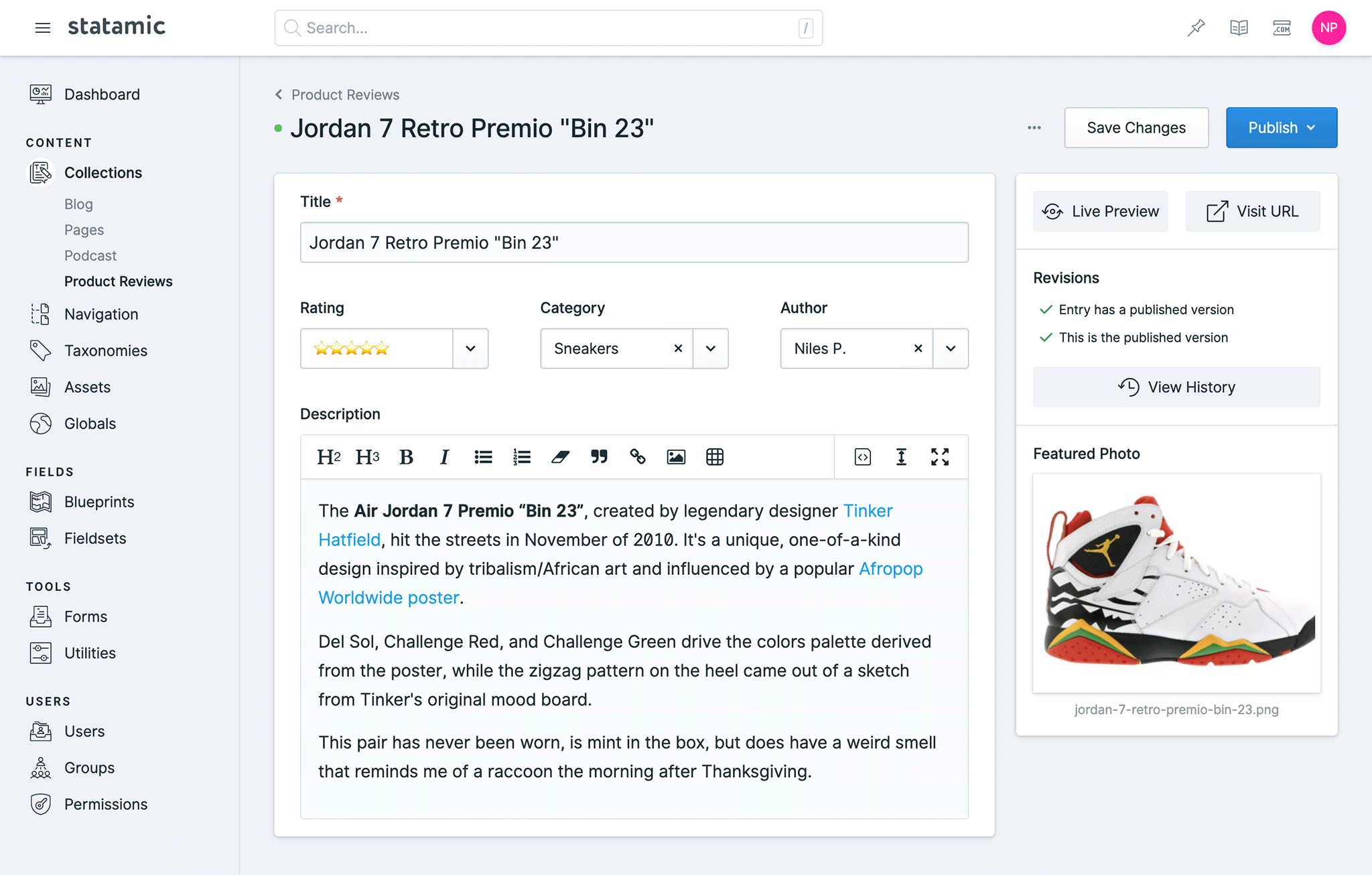
Statamic is a self-hosted CMS built for Laravel projects. It stores most content in files, which works well with Git-based workflows. You can model content with collections, taxonomies, and blueprints, then edit it in the control panel. Statamic Pro adds a publishing workflow with revisions, plus headless mode via a built-in REST API and GraphQL API. It also includes Live Preview so editors can see changes as they work. Developers can extend Statamic with addons that can be shared or sold through the marketplace.
Proprietary
Best for:
Features
Pricing
Compatible Technologies
Technical Features
Community
4709
GitHub Stars
5k+
Discord Members
Enterprise Features
Multi-tenant Support
Manage multiple sites or projects from a single instance
Scalability
Horizontal scaling and high-availability deployments
Security & Compliance
Find Statamic Experts
Looking for professional help with your Statamic project? Here are top certified agencies and developers.
Top Agencies

Alpina Tech
#1 RecommendedCraft custom, responsive websites using expert code and stunning design. Build your site with a flexible CMS and premium hosting to boost your digital presence.

.NFQ | Netzfrequenz GmbH
We are a Germany-based digital agency specializing in innovative and data-driven solutions across the entire customer journey. With a strong foundation in technology, strategy, and creativity, we craft tailored digital experiences that enhance brand presence and business growth.

QBurst
QBurst is a digital engineering company that crafts delightful client experiences through AI-driven software engineering and data solutions.
Successive Digital
#1 RecommendedSuccessive Digital is a modern technology consulting partner built for enterprises that want to scale with confidence.

NOTUM
#1 RecommendedWe are CMS-centered agency with 7 years of CMS experience. We build scalable corporate websites for scale-ups with headless CMS solutions. From design to deployment, we deliver complete, reliable support.
Statamic: a Laravel CMS built for Git-based content workflows
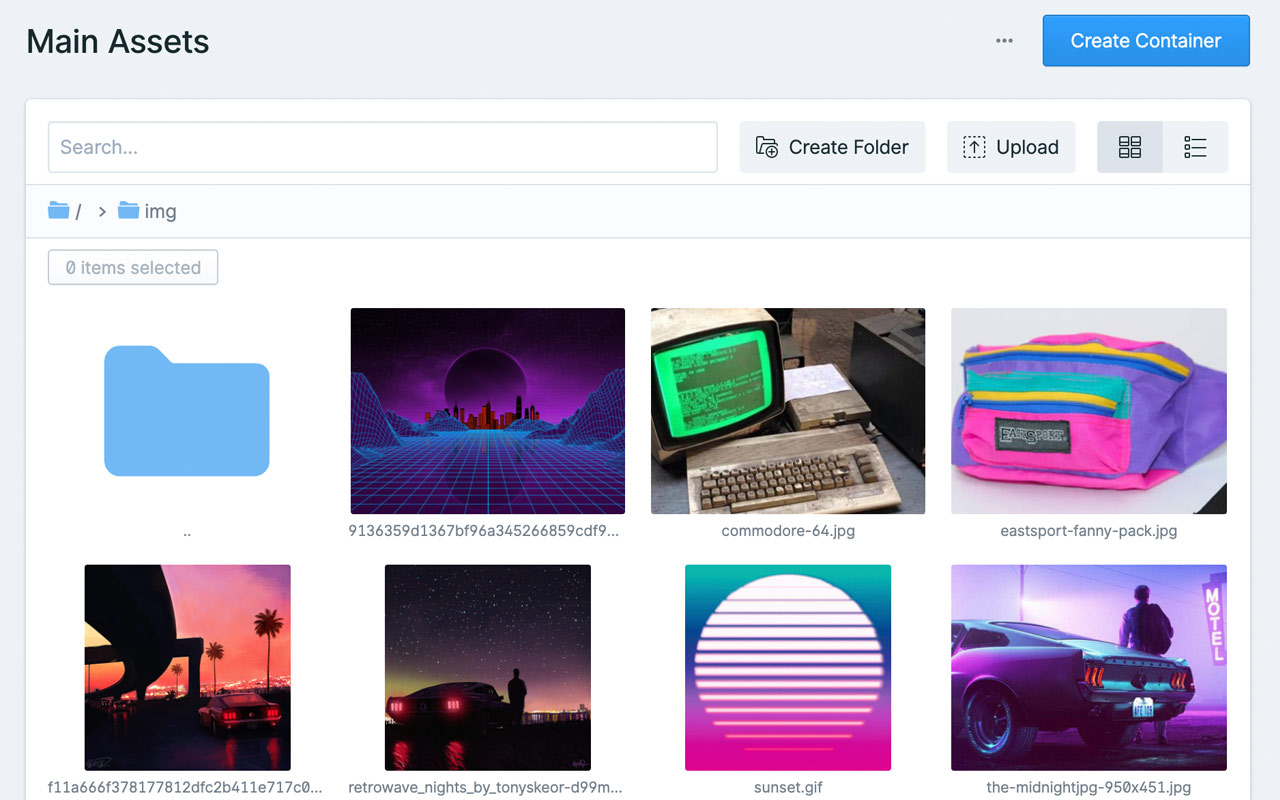
Statamic is a self-hosted CMS that runs inside a Laravel project and manages content through a modern control panel. It’s a strong fit for teams that prefer file-based content stored alongside code, while still giving editors a structured UI for collections, taxonomies, and custom fields. Developers can extend projects with addons and keep the stack predictable for production deployments.
Headless delivery with REST, GraphQL, and live preview
Statamic supports headless builds through its built-in REST API and GraphQL API for content delivery. Editors can use Live Preview to validate changes while drafting, and revisions provide version history for published content. Multi-site features help manage localized or multi-domain setups from one control panel, with role-based permissions for controlled editorial access.